
Free embroidery file viewer and converter
See every stitch before you sew.
Hoopsmith opens PES, DST, JEF, EXP, VP3 and 7 more embroidery formats in your browser. It draws the design as thread, measures it in millimetres, checks it against your hoop and converts it to your machine's format.
No account. No upload. Your files stay on your device.

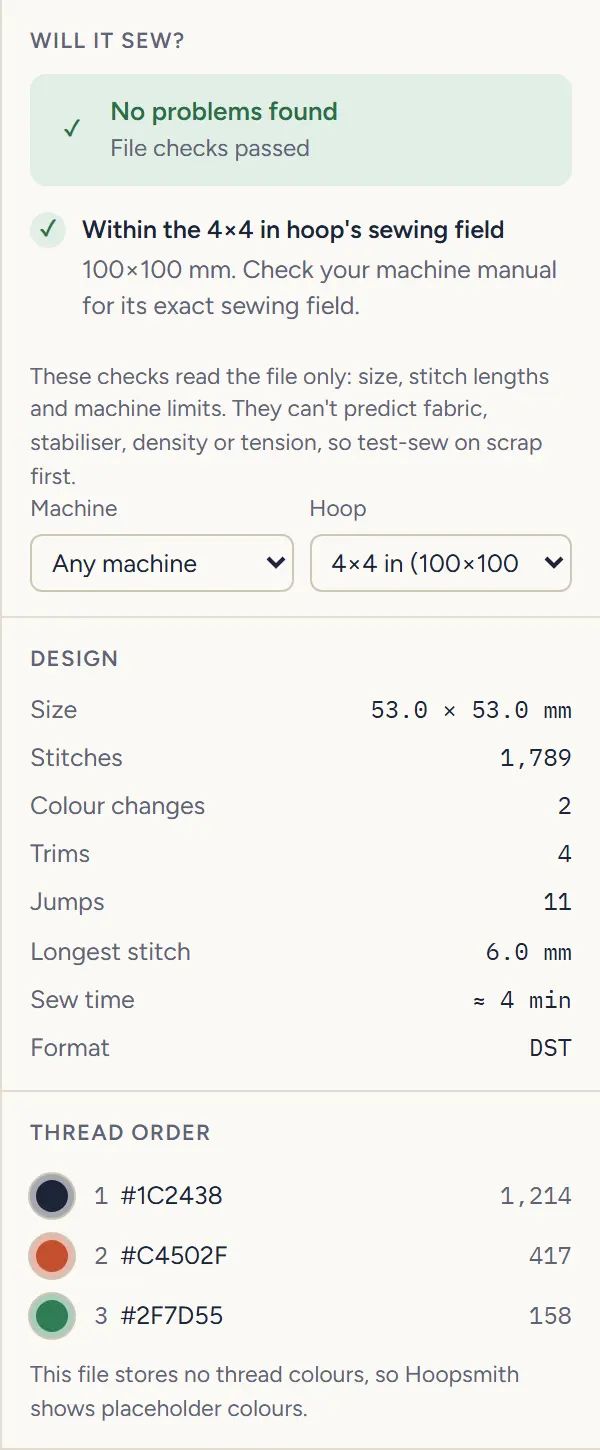
- Size
- 53.0 × 53.0mm
- Stitches
- 1,789
- Colour changes
- 2
- Trims
- 4
- Longest stitch
- 6.0mm
- Sew time
- ≈ 4min
Read from hoopsmith-badge.dst (DST, 5,957 bytes) when this page was built, by the same code the workbench runs. Sew time assumes 650 stitches per minute and 30 seconds per thread change.
01Preview
A preview that looks like thread.
Every stitch is drawn in sewing order, at thread width. Zoom in until you can count them. Switch to flat colour to check the colour order, or to stitch points to see each needle drop.
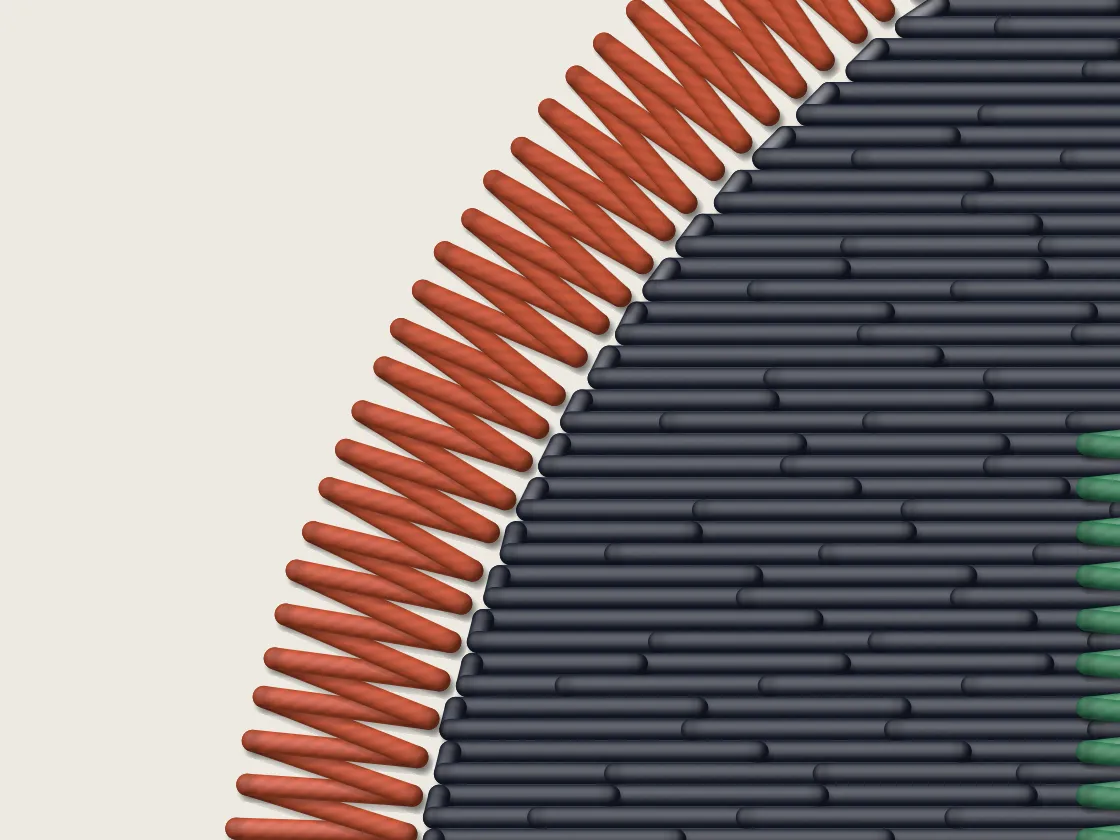
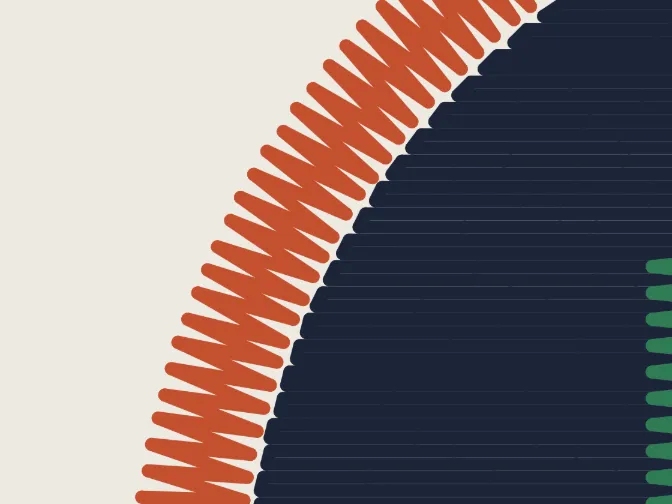
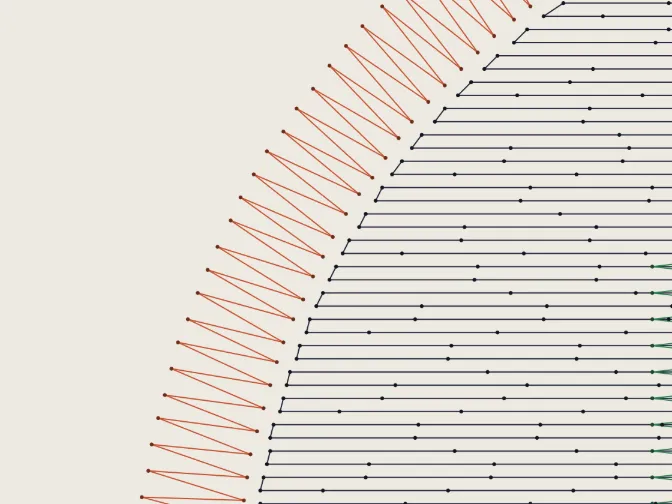
Fig. 2One close view of the sample in the workbench's three preview styles: the satin border, the fill and the edge of the letter.
Replay the sew-out from the first needle drop.
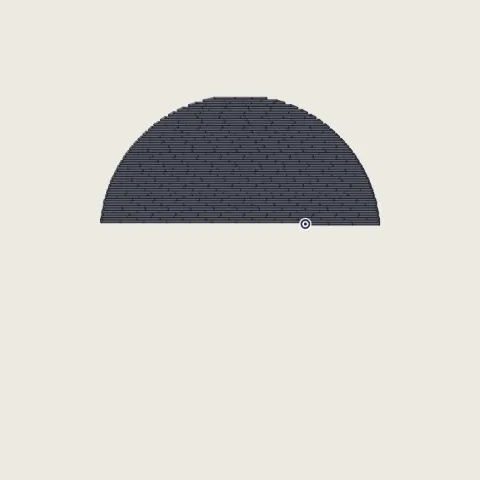 546 / 1,789Thread 1, part-way through the fill
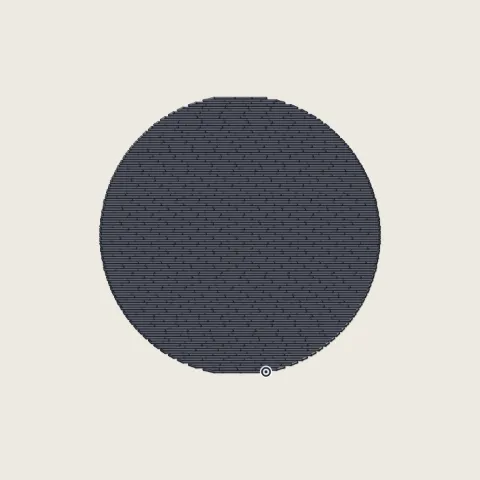 1,214 / 1,789Thread 1 done: the fill
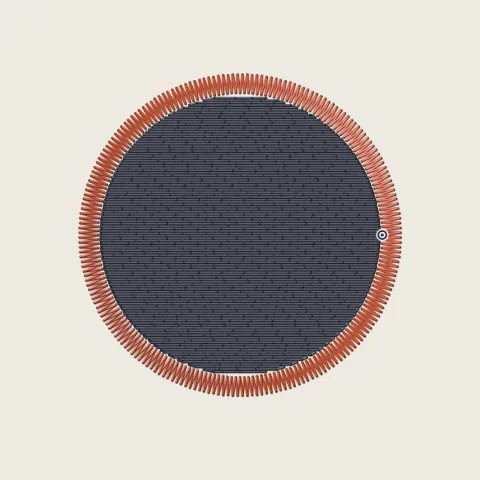 1,631 / 1,789Thread 2 done: the satin border
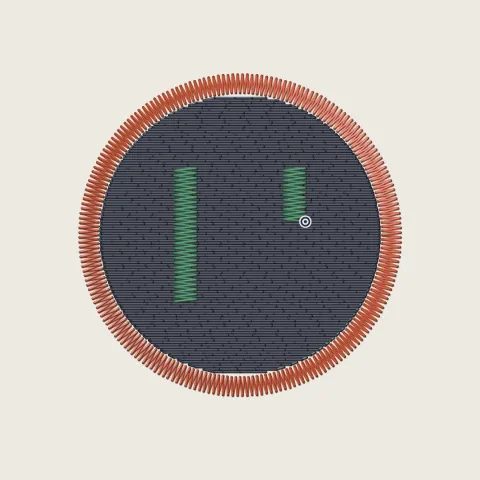 1,710 / 1,789Thread 3, sewing the letter
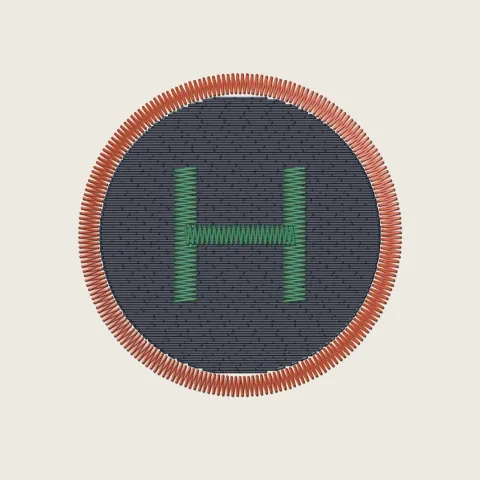 1,789 / 1,789Finished
Fig. 3The sew-out slider at five positions. Thread 1 sews 1,214 stitches, thread 2 sews 417 and thread 3 sews 158.
02Check
Check before you sew.
Size in mm and inches, stitch count, colour changes, trims, jumps, the longest stitch and an estimated sew time. Pick your machine and hoop, and Hoopsmith says whether the design is within the sewing field, within it only when rotated, or too big.
The checks read the file only. They can't predict fabric, stabiliser, density or tension, so test-sew on scrap first. Hoop sizes in mm and inches.
- Thread 1 1,214 stitches
- Thread 2 417 stitches
- Thread 3 158 stitches
03Convert
Convert without surprises.
Stitch positions are copied one for one. Before you download, Hoopsmith lists what the new format can't keep, then reads the file it wrote back and compares it with the original.
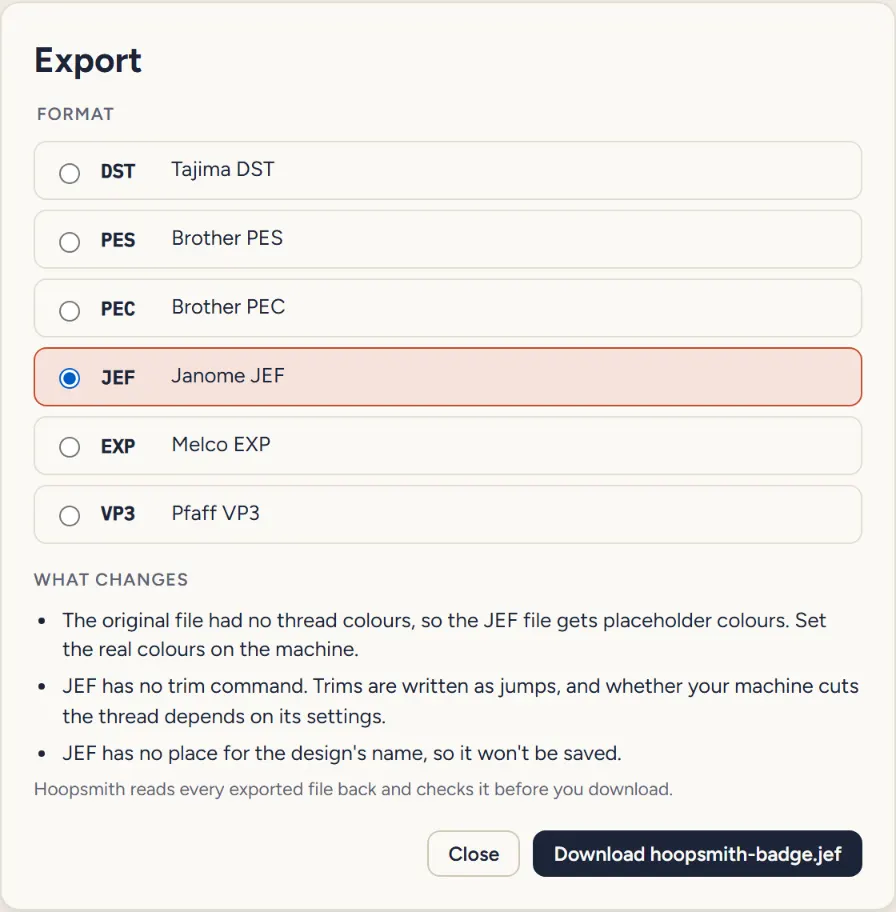
What the sheet says for this file
- The original file had no thread colours, so the JEF file gets placeholder colours. Set the real colours on the machine.
- JEF has no trim command. Trims are written as jumps, and whether your machine cuts the thread depends on its settings.
- JEF has no place for the design's name, so it won't be saved.
Hoopsmith writes
Drop up to 50 files at once on the convert page; several come back as one ZIP. New to formats? Read what changes when you convert.
04Formats
Opens 12 formats. Writes 6.
Machine files only: stitches, jumps, trims and colour changes. Every file Hoopsmith writes is read back and checked before you download it. Formats and known limits.
| Extension | Open | Write | Thread colours in the file |
|---|---|---|---|
| .dst | Yes | Yes | None |
| .pes | Yes | Yes | Exact colours |
| .pec | Yes | Yes | Brand thread chart |
| .jef | Yes | Yes | Brand thread chart |
| .exp | Yes | Yes | None |
| .vp3 | Yes | Yes | Exact colours |
| .xxx | Yes | No | Exact colours |
| .hus | Yes | No | Brand thread chart |
| .sew | Yes | No | Brand thread chart |
| .pcs | Yes | No | Exact colours |
| .u01 | Yes | No | None |
| .shv | Yes | No | Brand thread chart |
Privacy
Your files never leave your device. Here is how.
- Read in your browser
- When you open or convert a file, your browser reads it and does all the work locally. Nothing about the design is sent anywhere: not the file, its name, its size or a preview.
- Nowhere to send it
- Hoopsmith is a static site with no server code. The workbench runs under a security policy that only lets it load from hoopsmith.app (
connect-src 'self'). - Works offline
- Once you've opened the workbench, your browser keeps a copy of its pages and code, so it also works without a connection.
- No account, no cookies, no ads
- Visits to the information pages are counted with cookie-free statistics. The workbench at /app/ loads no statistics at all.
Guides
Guides
Free, and private by design.
The workbench is free, with no account and no ads. No file to hand? It comes with the sample shown on this page.
Coming later: Hoopsmith Pro, embroidery lettering that stays clean at small sizes, as a one-time purchase.